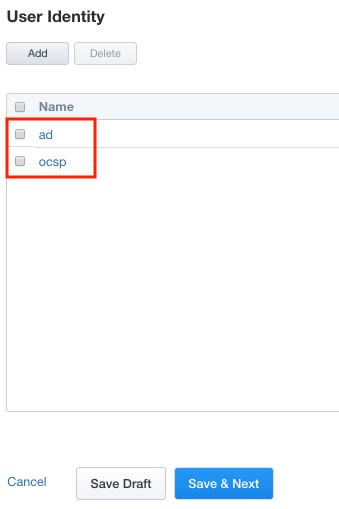
Lab 2.2 - User Identity
Adding an additional User Identity to IAP is just a few simple steps.
Task - Configure Certificate Authentication with OCSP
Click User Identity in the Ribbon

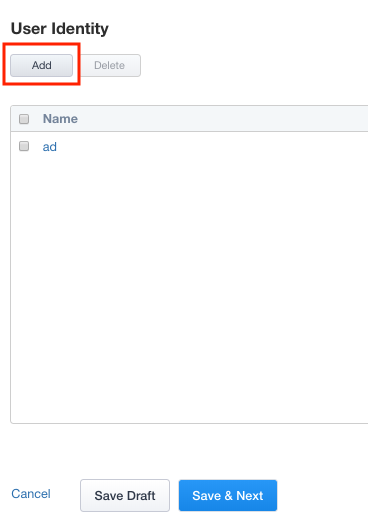
Click Add to create a new User Identity
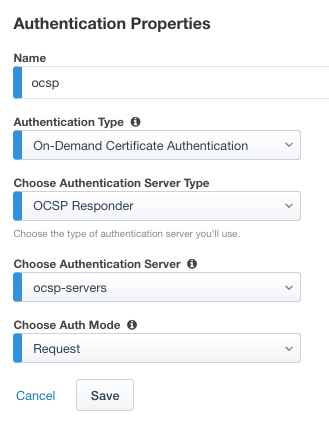
Enter Name ocsp
Select On-Demand Certificate Authentication from the Authentication Type dropdown
Select OCSP Responder from the Authentication Server Type dropdown
Select ocsp-servers from the Authentication Server dropdown
Leave Request selected under Choose Auth Mode
Click Save
Verify the ocsp object was created