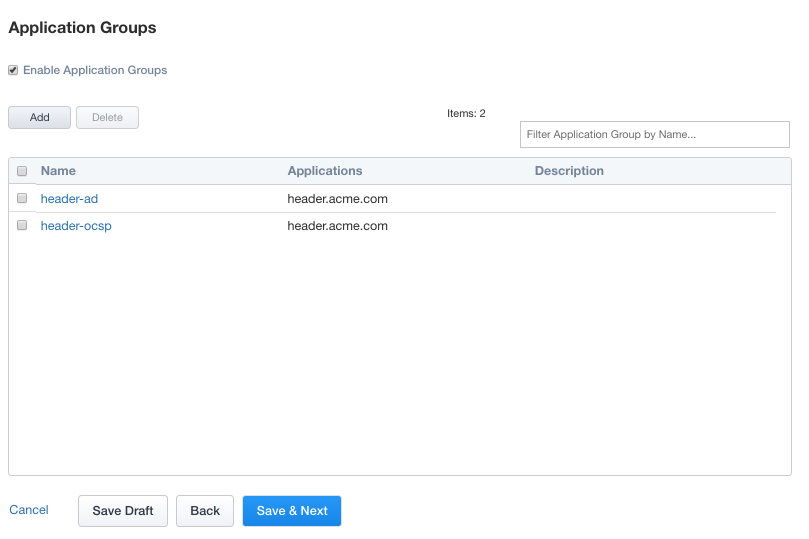
Lab 2.5 - Application Groups
In this section you will configure two Application groups to enforce different policies on parts of the header-iap.acme.com website.
Task - Create header-ad Group
Click Application Groups from the ribbon.

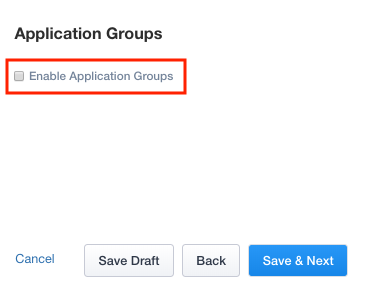
Check Enable Application Groups
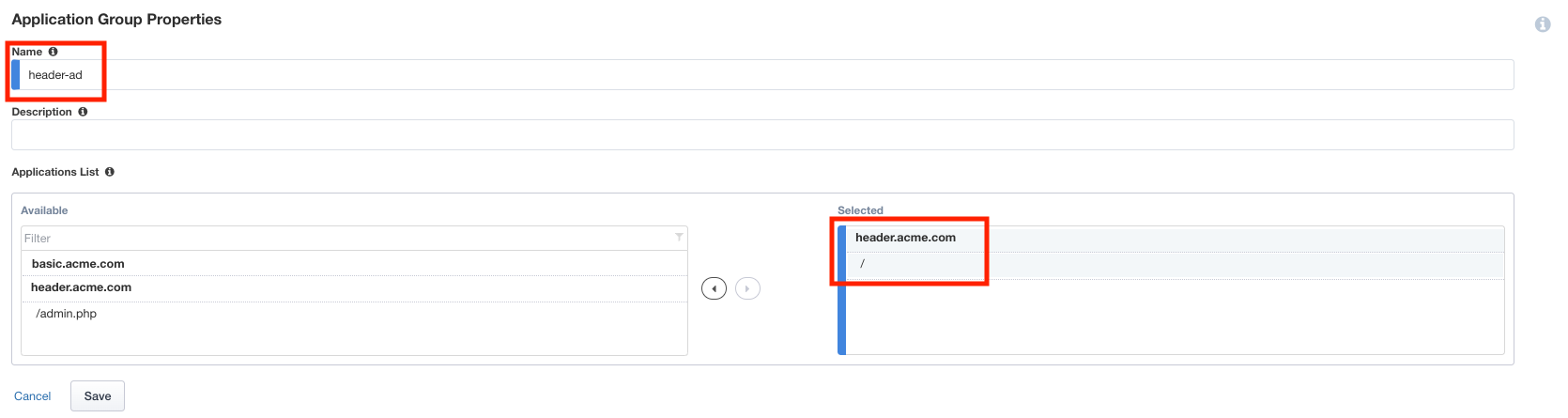
Enter Name header-ad
Under Applications List, select / and click the arrow to move it into the Selected box
Click Save
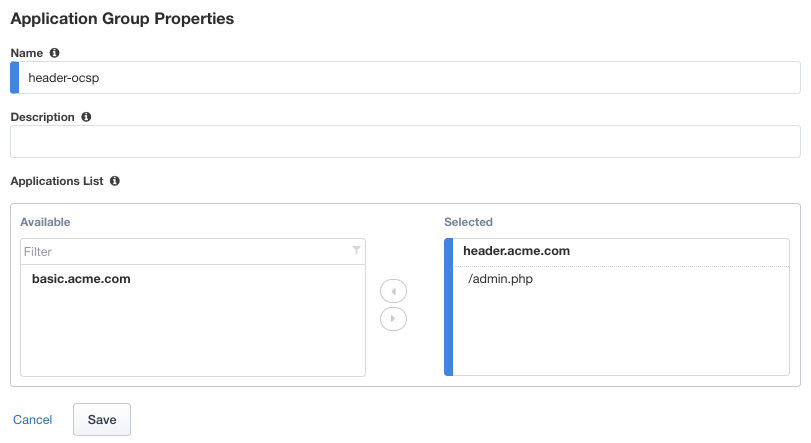
Task - Create header-ocsp Group
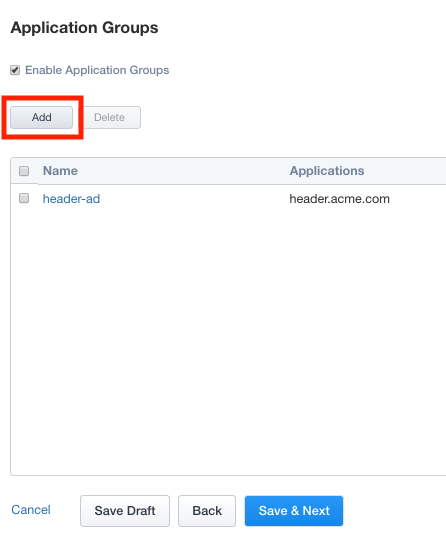
Click Add to create a second application group
Enter Name header-ocsp
Under Applications List, select /admin.php and click the arrow to move it into the Selected box
Click Save
Verify both applications groups have been created.
Click Save & Next