Lab 2.3 - Validating the PUA Script Installation
In this section, you will test the initial installation of the PUA deployment.
Task - Accessing the BIG-IP via APM Webtop
Open a web browser and navigate to https://pua.acme.com
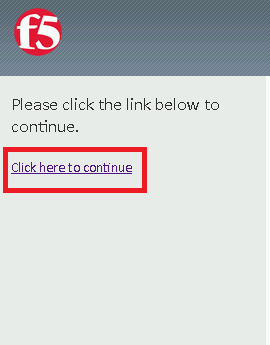
A Warning Banner page (customizable) should appear, click the Click here to continue link.
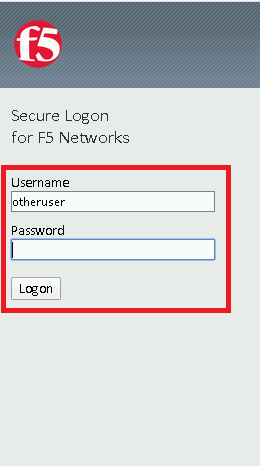
You should now see a logon page. Enter a random username and any password. Then, click the Logon button.
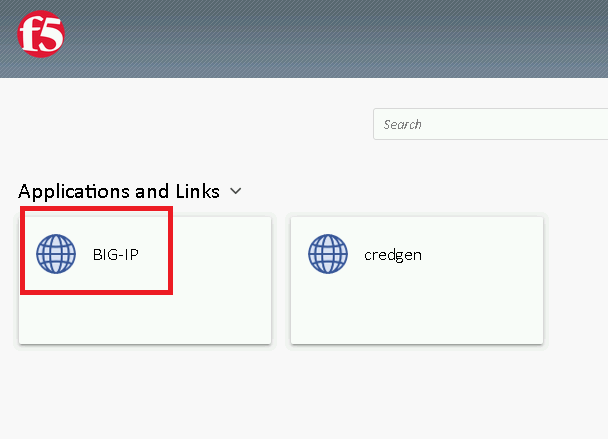
You should be directed to the webtop. Click the BIG-IP tile.
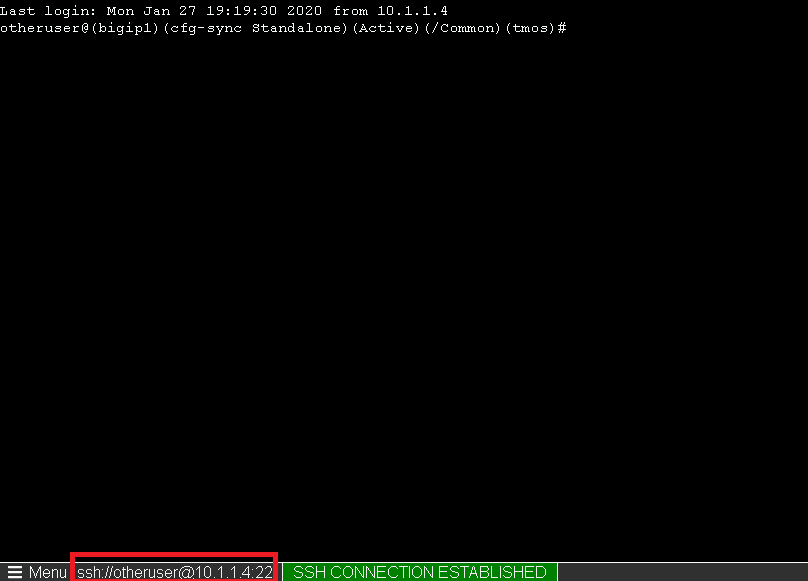
You should then see a WebSSH screen. Notice that you were logged into the BIG-IP with the username that you entered at the logon page.