Lab 1.2 - Create an Access profile
In this section, you will create and define the settings of the APM Access Profile.
Task - Create the cert_sso Access Profile
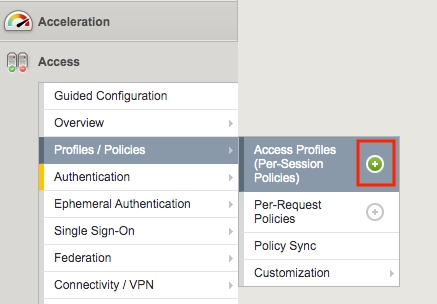
From the web browser, click on the Access tab located on the left side.
Navigate to Profile/ Policies >> Access Profile(Per-Session Policies), then click the + (plus symbol) to create a new Access Profile
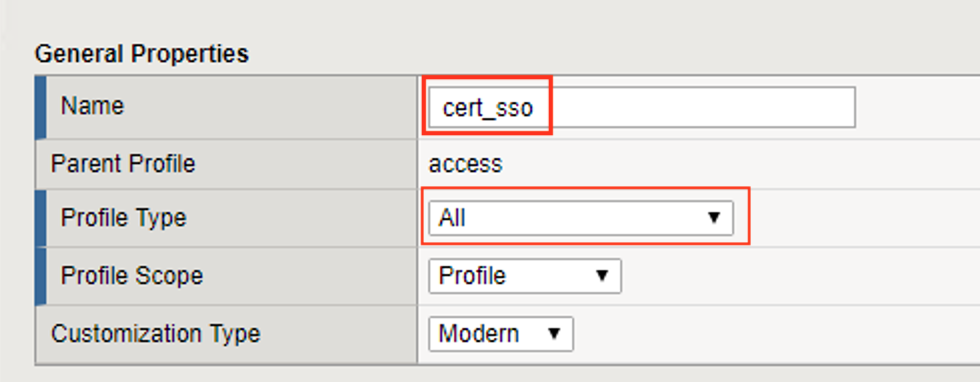
Enter the Name cert_sso
Select the profile Type All from the dropdown
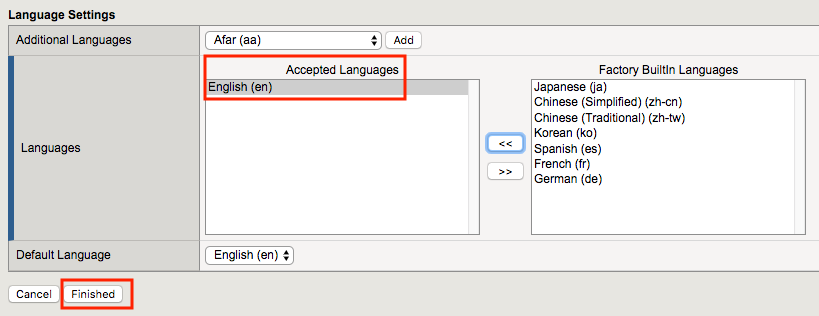
Scroll to the bottom of the profile settings to set the default language to English
Click Finished